The Lumberjack


Students Serving The Cal Poly Humboldt Campus and Community Since 1929

Tag: apps

  • 5 Apps to Help You Survive the Semester

    5 Apps to Help You Survive the Semester

    Survive the spring semester with these essential school apps

    There are five apps you should download this semester to help with organizing your school life and keeping your mind at ease. While not all of these apps are accessible on all types of phones, they’re typically compatible with phones that host Google Play or the Apple App Store.

    1) Google Drive

    The Google Drive app is one of the best apps you can use as a student. It hosts all of the accompanying Google Drive features like Google Sheets, Slides and Docs. You can download each app individually for more convenience, but thankfully they’re still accessible through the Drive.

    2) Canvas

    The Canvas app is helpful for doing assignments on the fly or for getting in touch with classmates for projects. Don’t turn off the notifications for this app because you could miss important class reminders from your professors. This app allows you to submit assignments from wherever you have a WiFi or data connection. It’s also compatible with Google Drive, which makes submitting assignments simple. You can check the to-do list to stay on top of your work and review the app calendar to see upcoming deadlines.

    3) The Transit App

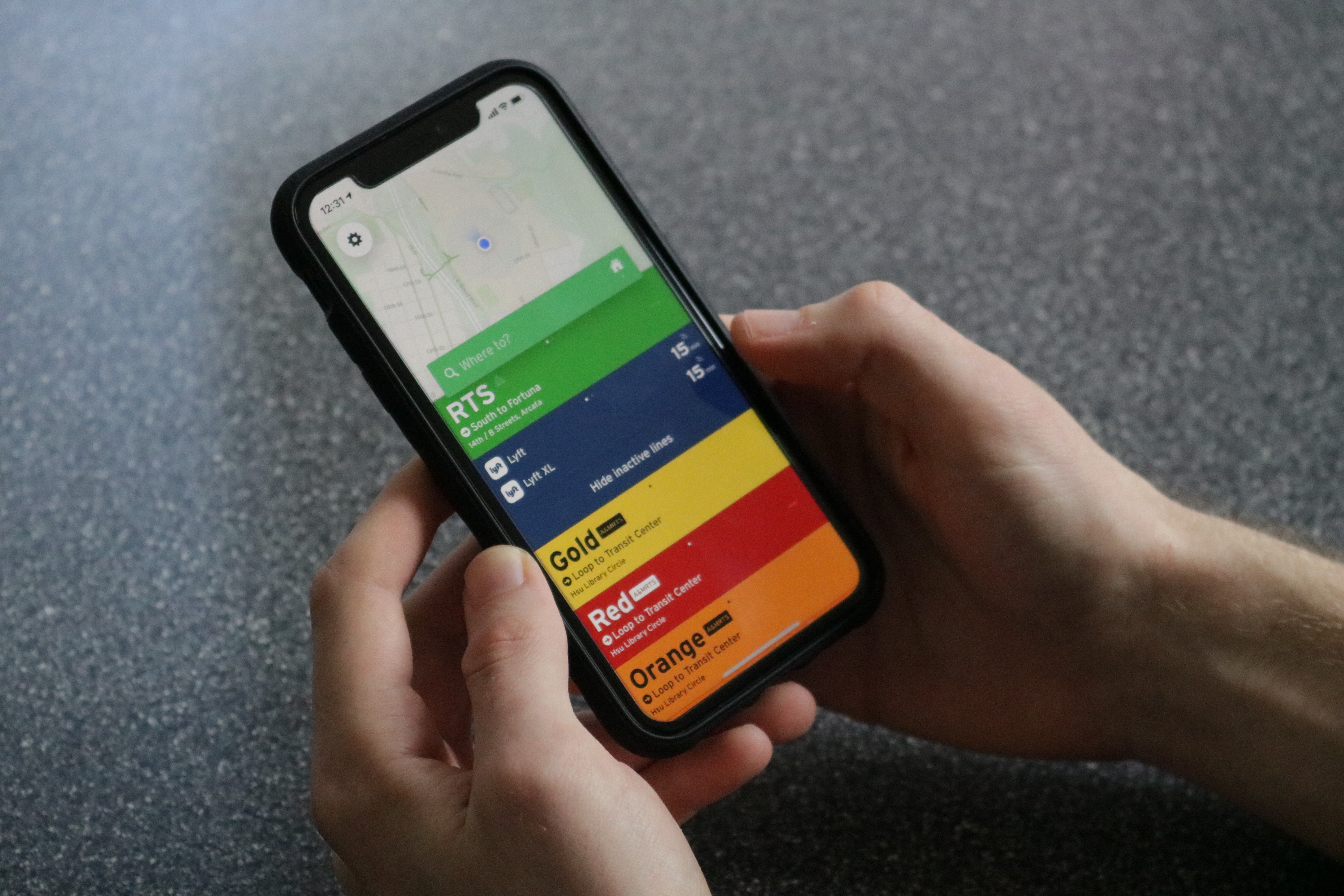
    The Transit app is essential for any student who commutes to campus. This free app will save you time and stress by showing you local transit routes, schedules and live updates. A helpful feature on this app is the ability to locate the closest route from wherever you are, as long as your GPS is on and active. Not only does the app display bus routes, but it also shows rideshares in the area like Lyft.

    4) Humboldt State Mobile:

    The Humboldt State Mobile app is a useful tool for checking the school directory, campus life events and other school-related information. You can register or drop classes, check your student center and browse semester class schedules. There’s even a campus map with marked locations for print kiosks and dining services. Although the app can be glitchy, it’s still a valuable and free resource that the school offers.

    5) Music streaming apps:

    According to a report on the neuroscience of music published by the United States National Library of Medicine, several studies found that listening to music can be therapeutic and may provide stress relief and improvements to cognitive function. Throwing on a study playlist might help you decompress while you review material. Check out Spotify, Pandora or SoundCloud for free music streaming services. Premium versions for music apps are also available if you wish to upgrade your music accessibility. The next time you sit down to study, turn on some tunes to help your cognitive functioning.
  • Humboldt State now has a mobile app

    Humboldt State now has a mobile app

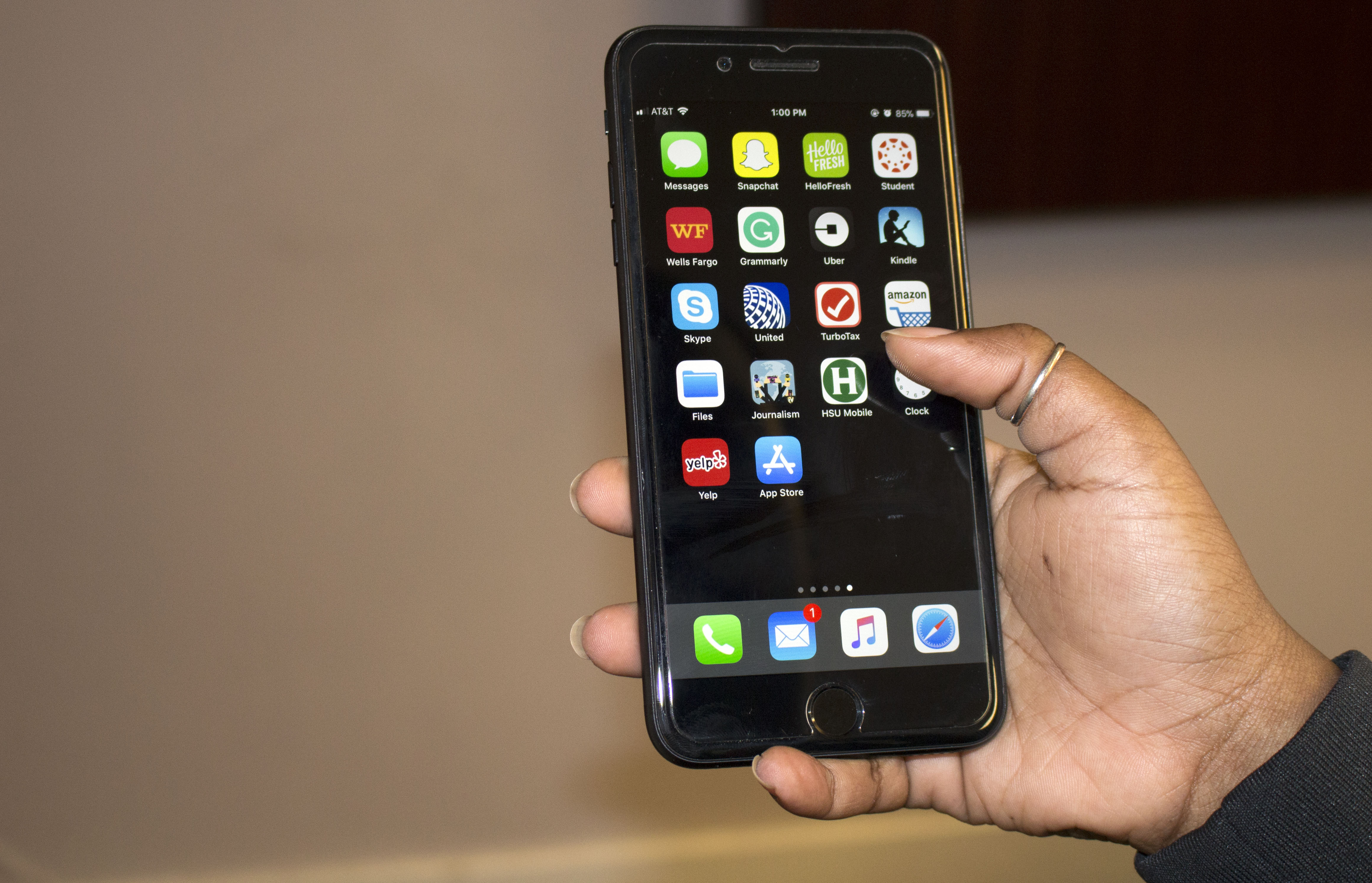
    You now can register for classes on the go without having to wait to get to a computer. With the new Humboldt State mobile app, you can access your student center anywhere. Students can not only register for classes through this new app, but they can also check their grades and financial aid status too.

    According to Bethany Rizzardi, chief information officer for ITS, the app has an annual cost of $50,000 and a one-time $25,000 initial setup and configuration fee.

    The app adopted several modules including the student center, library, campus news, course catalogue, events calendar and a new interactive map. All of this and much more is just a touch away.

    According to HSU Information Technology Services project coordinator, Billie Herman, ITS office did extensive research prior to implementing the mobile app. In this research, several mobile app vendors were reviewed.

    “There were two vendors selected out of that research project,” Herman said. “There was Modo Labs and Greyhaller.”

    The decision was then made to pick Modo Labs, a software company that creates mobile apps.

    “There are nine other CSUs that have followed the same model and are using the same vendor,” Herman said.

    This new HSU mobile app is free and available to anyone with a smartphone. You can download the app through the iPhone App Store or Android Google Play Store.

    According to Herman, there’s around 1,000 unique visitors to the app so far.

    Connor Callison is a HSU programmer who works on maintaining and developing the app. He created a new campus interactive map. The map can be found on the homepage of the app.

    The app was first presented to students in both software engineering and database design classes last fall. Students in those classes tested the app and provided feedback to the programmers.

    “[Computer science] students have pretty intricate knowledge of how apps works, [and] we figured they might be able to find some of the holes that we might have to deal with first,” Callison said. “They were our beta testers and we got some feedback from them that was helpful.”

    “ITS likes to reach out and work with the CS students as much as possible,” Herman said. “We love to have a bridge, students brings such vitality and that new perspective.”

    The launching of the app came as a part of an an initiative at ITS to make it easier for students to access campus services using their phones.

    “We are trying to make the business of being a student very easy,” Herman said. “It’s hard to be a student as it is and it’s very nice to be able to easily navigate through all the process and procedures that you have to go through.”

    The app is a work in progress. Programmers at ITS are still working to improve students’ mobile experience with the app. Users can send comments about the app by using the app feedback form found on the home page.

    “This is our first step into this arena and we’re going to continue to evolve this as we get more feedback,” Herman said. “Give us a year and that app is going to sing.”